
Mind Cove logo
Mind Cove / Learning Journal
Independent Educational Resource
Printer Connectivity / 001

Understand how printers connect. Print with more clarity.

Explore the essentials of printer connections, offline messages, driver software and print queues through simple educational explanations.

Learn how computers and printers communicate through USB, Ethernet and wireless networks, and what common status messages can mean.

Explore the Guide
USB Wireless Driver Software Print Queues
Printer Technology
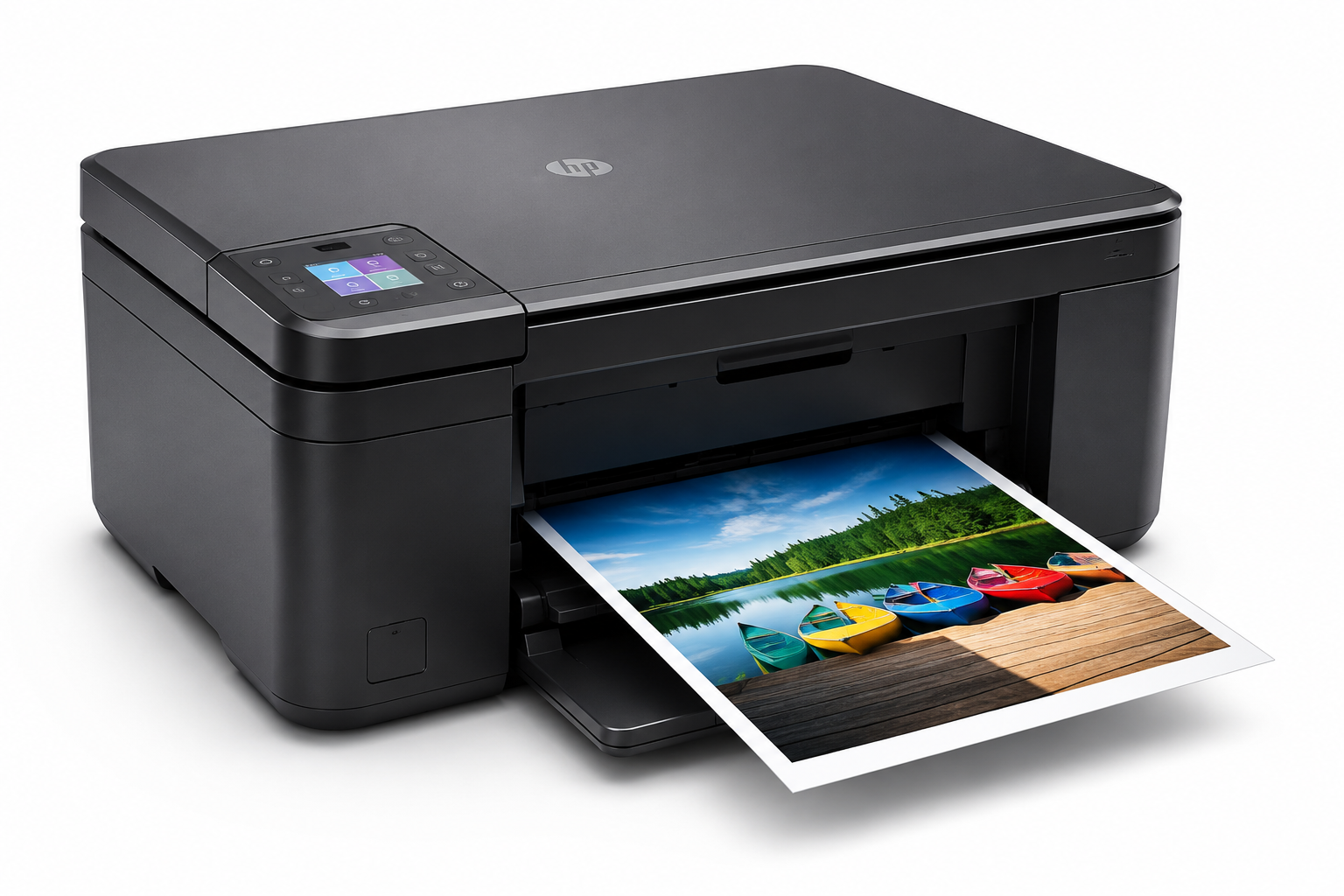
Educational illustration of a modern printer
Visual Reference

From document to printed page.

01
01 / Common Printer Messages

Common printer messages, clearly explained.

Understand six common printer situations and what they can indicate about your device, network or software.

01 / 06

Printer Offline

The printer appears in the device list, but its status says Offline. The saved printer record may exist even when the current communication path is unavailable.

Printer visible Offline status Connection path
02 / 06

Driver Missing

“Driver unavailable,” an unknown device, or a warning icon may indicate that compatible printer software is missing or cannot load correctly.

Driver unavailable Unknown device Warning icon
03 / 06

USB Not Recognized

A connected USB printer may not be detected because of cable problems, the port, a hub, or operating-system device recognition.

USB cable Port detection Device recognition
04 / 06

Print Queue Stuck

Pending or paused documents may prevent later jobs from printing. The queue shows print requests as they wait or are processed.

Pending jobs Paused queue Blocked request
05 / 06

Wi-Fi Printer Not Found

A powered-on wireless printer may not appear during discovery because of network visibility, network separation, or discovery configuration.

Network visibility Printer discovery Wi-Fi connection
06 / 06

Add Printer Not Showing

A printer may not appear immediately during device search. The operating system checks available USB, network, and wireless discovery paths.

Add Printer Device search Printer not listed
02 / Understanding Device Settings

Know where printer information appears.

Operating systems provide different areas for viewing installed printers, print jobs and hardware recognition.

These descriptions explain common operating-system features. They do not inspect or diagnose your device.

01

Devices & Printers

Displays installed printers and general device status. Useful for checking whether the system has a printer profile.

02

Print Queue

Shows pending, paused, failed and active print jobs, giving a clearer view of what is waiting to print.

03

Device Manager

Displays hardware recognition and driver-related warnings, including unknown devices and port information.

03 / Printer Communication

How does a print job move?

A simplified overview of the technologies involved before a printed page is produced.

STAGE 01 01

Connection path

A USB, Ethernet or Wi-Fi connection makes printer communication possible.

STAGE 02 02

Driver layer

Driver software helps the operating system prepare printer-compatible instructions.

STAGE 03 03

Print queue

Documents enter a queue before the system sends them onward to the printer.

What users commonly notice.

Different messages point toward different parts of the printing system.

01

Offline status

The printer is listed but shows offline or unavailable.

02

Driver warning

The system reports a driver problem or unknown device.

03

Queue stuck

Print jobs remain pending and new requests wait.

04

Network search

The wireless printer does not appear during discovery.

04 / Visual Learning Paths

Continue exploring printer essentials.

Discover educational resources covering setup, offline status and driver software.

01 / GUIDE

How to Set Up a New Printer

Six visual steps introducing new-printer preparation, unpacking, connections and first-use concepts.

Explore Guide
02 / GUIDE

Understanding Offline Errors

Nine illustrated learning points about offline messages and printer communication.

Explore Guide
03 / GUIDE

Printer Driver Installation

Twelve visual learning steps describing printer software and Windows driver configuration.

Explore Guide
05 / Software Communication

What role does a printer driver play?

A printer driver helps an operating system prepare a document for compatible printer hardware. It works together with print queues, communication services and device connections.

Simplified Printing Flow
Document
Printer Driver
Printer

Conceptual overview. Actual printing processes can also involve queueing, formatting and communication layers.

Useful things to know

01 — 03
01

Drivers help communication

A driver helps the operating system exchange printing instructions with the hardware.

02

Printers use queues

Print requests are generally organized in a queue before reaching the device.

03

Connection methods differ

Depending on the device, the connection may be USB, Ethernet or Wi-Fi.

06 / Learning Checklist

Six questions that help explain printer connections.

These questions introduce common printer concepts. They are not a remote diagnostic tool or a substitute for model-specific instructions.

01

Is the printer turned on?

Consider the power light, display and ready state.

02

Is the cable or Wi-Fi connection present?

Check whether the USB or network connection is available.

03

Is the printer visible?

Look for the printer in operating-system settings.

04

Is a suitable driver installed?

Driver availability affects recognition and communication.

05

Is the print queue clear?

Old pending jobs may hold up later requests.

06

Can it print a test page?

A successful test can help confirm a basic printing path.

07 / Printer Status Glossary

Understand the terminology.

Similar-looking printer messages can describe different communication or software conditions.

Term 01

Printer Offline

The computer cannot currently confirm communication with the printer over the configured path.

Term 02

Paused Queue

The operating system is not forwarding print jobs even though the printer can still be listed.

Term 03

Driver Unavailable

A required driver may be missing, incompatible, or not functioning as expected.

Term 04

Printer Not Listed

The printer may not be discoverable by the present USB, Ethernet or wireless search method.

08 / Understanding the Details

Why do printer connection messages appear?

01

A computer and printer communicate through several linked systems. The computer prepares a document, printer software processes its instructions, the print queue organizes the job, and the configured connection carries data toward the printer.

02

Offline status usually indicates that the computer cannot confirm the printer’s availability through its saved connection. A printer may still be powered on while its network or USB path is not responding.

03

A driver-related message is different. It can indicate that a necessary software component is missing, incompatible or not loaded correctly, affecting printing options and communication.

04

Print queues matter because jobs can wait behind an older paused or stalled request. A pending document does not by itself prove that printer hardware is damaged.

05

Wireless discovery involves network configuration. Devices on separate networks, isolated guest Wi-Fi, or with discovery blocked may not see one another even when both have a wireless connection.

09 / Questions & Answers

Frequently asked questions.

Quick educational answers about printer connections, software, print queues and wireless discovery.

01 What does printer offline usually mean?

The operating system cannot currently confirm an active communication path to the configured printer. Power, cabling, network or printer settings can be involved.

02 Does offline mean the printer is broken?

Not necessarily. The device may work normally while the connection or status-reporting path is unavailable.

03 What is a printer driver?

A printer driver is software that helps an operating system translate and prepare print requests for compatible printer hardware.

04 What does driver unavailable mean?

It suggests that required driver software is missing, incompatible or not working properly. It does not always mean the printer is physically disconnected.

05 Why does the print queue matter?

The queue organizes print requests. Paused or stalled jobs can prevent subsequent documents from being processed.

06 Can Wi-Fi affect printer discovery?

Yes. Separate networks, guest-network isolation, wireless settings and local discovery behavior can prevent printers from appearing. Different Wi-Fi frequency bands alone do not necessarily prevent discovery.

07 Why does a USB printer not appear?

Potential causes include a loose or defective cable, a USB port or hub issue, a missing driver, or device-recognition settings.

08 Is this page technical support?

No. This is general educational reference content. We do not offer live repair, remote access, telephone support or paid troubleshooting.

Independent Educational Notice

Education first. No technical support services.

Mind Cove provides general educational information about printing technology. We do not provide paid technical support, software downloads, device repair, telephone assistance or remote access. For device-specific instructions, consult official manufacturer documentation.

Independent Learning Resource
10 / Continue Learning

More printer topics to explore.

Continue reading independent printer educational material on related subjects.